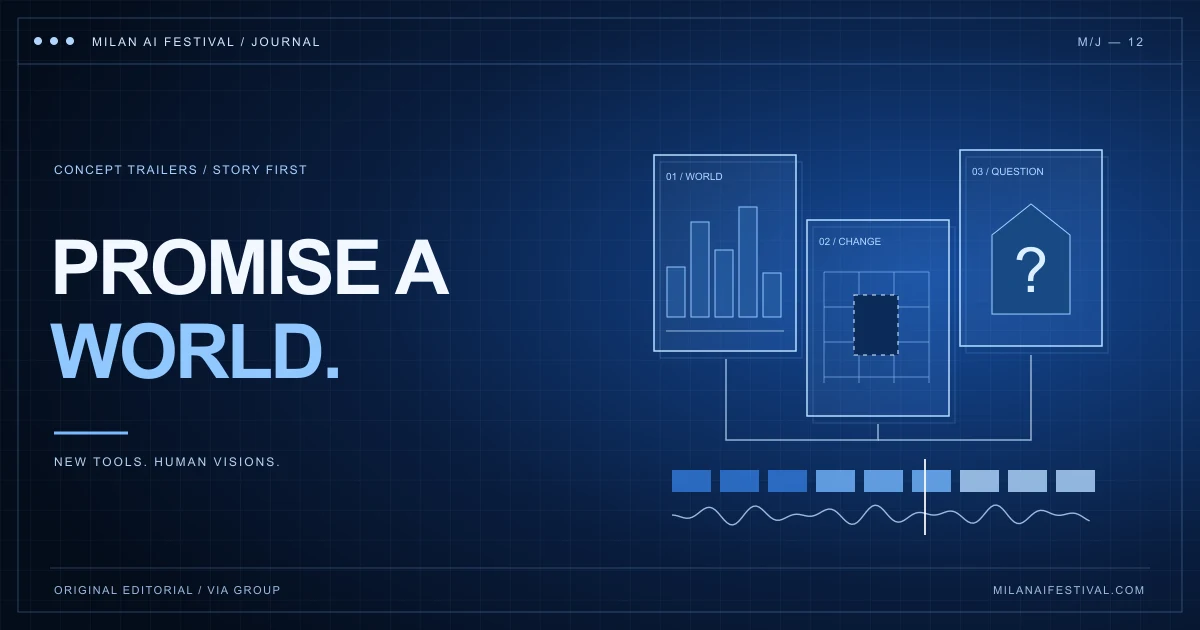
An effective AI concept trailer makes a clear promise about a larger story. Establish a viewpoint, introduce a problem and show enough of the world to make the audience want more. Test the sequence with simple stills and temporary sound before generating every shot. Keep the project’s concept status clear, and judge the edit by what viewers understand rather than by how many impressive images it contains.
Define the promise before choosing the images
A concept trailer presents the possibility of a film or series that has not yet been made. Decide what you want someone to understand about that future project: whose experience matters, what changes their situation and what makes this particular world worth entering. Write those answers in ordinary language before choosing a visual style.
Consider an invented example: a night-shift archivist discovers that a city is deleting one street from its records every morning. The promise is not simply a futuristic city. It is a person trying to understand a disappearance while evidence keeps vanishing. A skyline can establish the setting, but the discovery and the archivist’s response are what turn that setting into a story.
Adobe’s guide to making a trailer frames the task as creating interest in a story without delivering its entire payoff. For a concept project, apply that idea to the experience you intend to make. The framework below is an editorial exercise, not a required structure or festival judging formula.
Give each shot a job in the argument
Make a short list of functions before making a shot list: establish a viewpoint, reveal the unusual rule, show a consequence, suggest a choice and leave a question. A single shot may perform more than one function. Another may be there mainly for atmosphere. What matters is knowing why you kept it.
In the archivist exercise, a marked-up city map might establish the work, a missing entry might reveal the problem, and an abandoned street might give the loss a physical consequence. A reaction could show that the discovery matters personally. These are hypothetical choices to test, not a list of images every trailer needs.
Read the proposed sequence as sentences. If several consecutive shots all say ‘this world looks strange’, replace one with information about a person, a pressure or a change. Repeating an atmosphere can establish tone; repeating it without development can leave the viewer with no reason to follow the larger project.
Build a timed storyboard before expensive revisions
An animatic is a rough timed version of a storyboard, often with temporary audio. Adobe’s animatics overview explains its use in testing pacing and meaning before finished production. You can apply the same principle to an AI trailer with sketches, approved reference stills or plain text cards.
Place those placeholders on a timeline and give each enough time to communicate its purpose. Add temporary dialogue or sound only where it helps you test the intended experience. Keep a note of what must be replaced before release. A rough image is useful at this stage because it makes it easier to remove a weak idea without defending the effort already spent polishing it.
Watch once without pausing. Identify the first moment you understand the premise and the first moment you feel a reason to continue. If either depends on an explanation you give outside the video, revise the sequence. Generate or refine the shots that the edit actually needs, then check whether the replacements still perform the same jobs.
Preserve a few recognisable anchors across generated shots
Choose a small reference set for the main character, a recurring object and the principal location. Keep those references beside the shot list. Record visible details that matter to recognition: the character’s coat, the shape of a handheld device or the position of a distinctive doorway. Review continuity at the cut as well as within each clip.
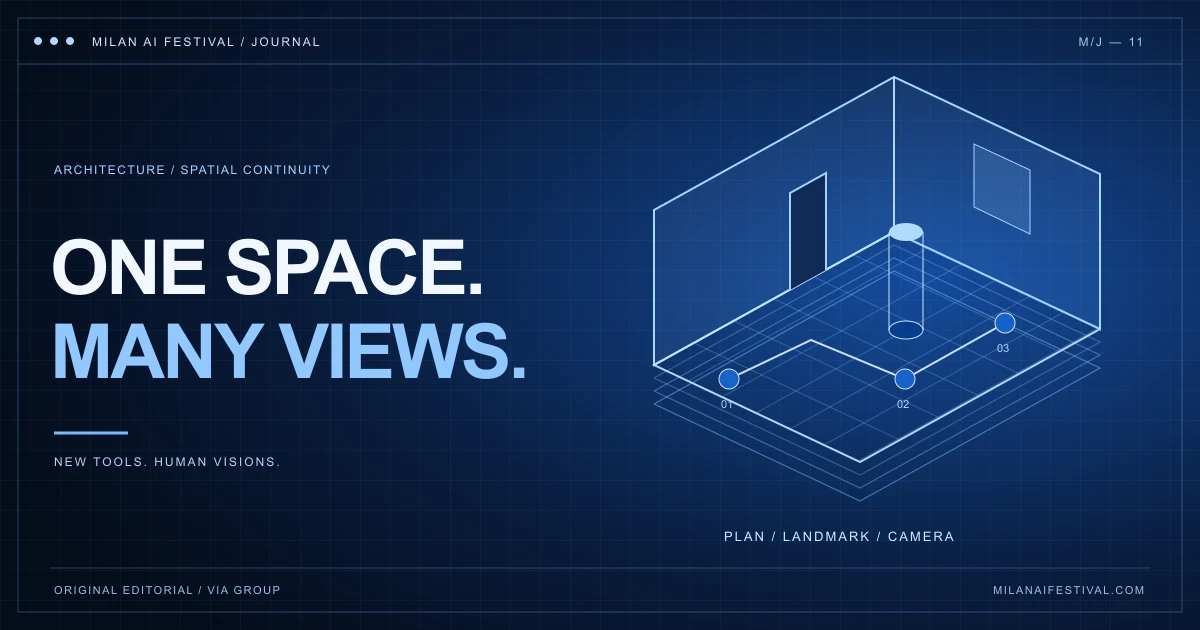
A new camera angle does not need to repeat the whole composition, but it should give viewers enough to recognise the same person or place. If an apparent change is intentional, make its purpose readable. Our guide to consistent spaces in AI architecture films offers a method for checking locations, landmarks and camera relationships.
Do not keep an incompatible clip only because it is visually spectacular. Try replacing it with a simpler insert, a reaction or a shorter transition that preserves the scene’s meaning. The test is whether the audience follows the project’s promise, not whether every generation appears in the final export.
Use sound to create anticipation and consequence
Picture and sound do not have to cut at the same instant. Adobe’s official split-edit guidance distinguishes a J cut, which introduces the next shot’s audio early, from an L cut, which lets the previous shot’s audio continue after the picture changes.
For the invented archivist trailer, a street announcement could begin over a close view of the map before the edit reveals its source. A line spoken in the archive could continue over an image showing its consequence outside. Try each with and without the overlap. Keep it when the connection helps the story, rather than applying the technique to every transition.
Build one version without the large musical rise or impact sound. If the premise disappears, the music may be supplying excitement while the images withhold too much information. Then restore the intended soundtrack and listen for dialogue intelligibility, deliberate quiet and a clear final beat. Keep production notes on where voices, music and sound effects came from, using material you can include in the finished release.
End on a specific unanswered question
The ending should point towards the larger project. In the archivist exercise, discovering that the next disappearing street contains the protagonist’s home creates a specific reason to want the full story. That is one possible development of the invented premise, not a prescription that every trailer needs a last-second twist.
Check whether the title card arrives after the viewer has something to remember. A title alone cannot supply the missing stakes. Equally, more exposition is not always the answer: a held reaction, a recurring object in a new context or a changed sound can make the final moment meaningful.
Describe the work honestly as a concept trailer, teaser or proof of concept where appropriate. Keep its synopsis consistent with that status. Do not add unconfirmed release dates, production partners, cast claims or festival laurels to make an imagined project appear commissioned or selected.
Ask for evidence of understanding before you submit
Show the trailer to someone unfamiliar with the project. Ask whose story they think it is, what problem they noticed and what they expect the full film to explore. Ask which moment produced each answer. That gives you more useful revision notes than a general request to say whether the trailer looks cinematic.
If the answers diverge from your intention, locate the missing connection before generating more material. Save the version you tested and record the change you make. Our AI film project breakdown guide explains how to document those decisions; the caption and accessibility guide can support the final review.
Milan AI Festival’s Best AI Trailer & Concept Pitch category accepts trailers, teasers and proofs of concept for films or series that do not exist yet, with a maximum runtime of five minutes. Compare the published categories and category selection guide, then read the current rules on the official FilmFreeway listing. A runtime ceiling is not a target length: use the time your idea needs.
This journal is published by VIA Group — Visual Innovation Awards, organiser of Milan AI Festival and the connected Rome and Florence AI festivals. The practical exercises here are resources for makers; each festival maintains its own programme and entry conditions.