VIA presented Makers Era, a custom visual project, at Google Cloud AI Live Roma on 21 October 2026. Six Rome AI Festival shorts also screened. For artists preparing AI audiovisual work for Milan, the useful question is how to communicate both the images and their relationship to a live setting. A clear documentation video can show the space, preserve a meaningful sequence and explain what was performed.
The recent VIA project in Rome
According to VIA’s published Makers Era project account, the work was created with Google tools for the event at The Space Cinema Moderno. Creative direction was by Riccardo Vincenzi and Maurizio Leoni, with Vincenzi as AI artist and Giuliano Solazzo as sound designer. The six short films were selected jointly by VIA and the Google Cloud team.
Google’s 21 October event report confirms Cloud AI Live took place in Rome and describes its focus on practical AI applications. The project-specific credits and screening details above come from VIA’s account.
That combination of a work made for an occasion and films brought into a programme is a useful starting point for a separate editorial question: what should an artist preserve when a spatial or live audiovisual work becomes a video someone watches later? The suggestions below are our practical framework, rather than a reconstruction of how Makers Era was produced or a report of the audience’s response.
Decide what the documentation needs to demonstrate
Start with a sentence about the experience. Perhaps images moved between surfaces, a performer changed the visual rhythm, or a recurring sequence gradually altered the room. Identify the relationship that would disappear if you exported only the source imagery. That relationship should guide the documentation.
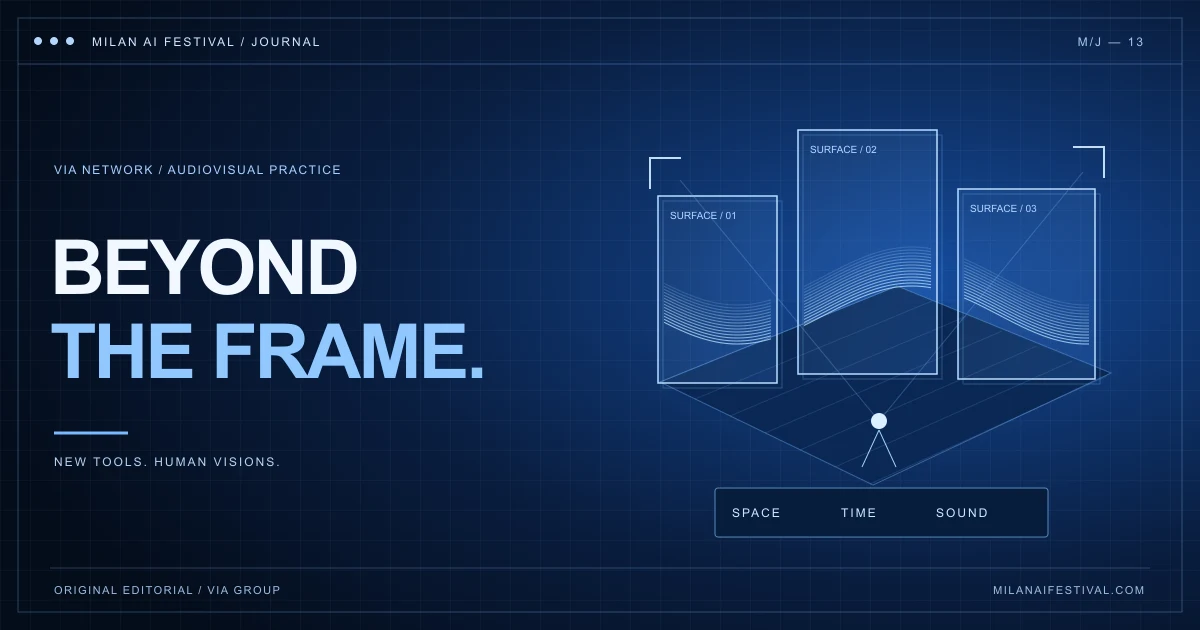
Imagine a hypothetical installation in which a blue line travels across three separated panels. A close crop of one panel might show beautiful texture while hiding the journey between them. A fixed wide view could communicate the central idea more clearly. A second, closer view could then reveal details that the wide view cannot resolve. This is an invented planning example, not a description of the Rome project.
Distinguish three possible deliverables: the visual piece itself, a recording of the work in its setting, and a short promotional edit. They answer different questions. Label the version you are sharing so that a reviewer understands whether they are watching the work, evidence of its presentation or a trailer for it.
Keep both the output and the room legible
A direct recording of the visual output can preserve image detail. A camera view can show placement, scale and the relation between surfaces. If the spatial arrangement matters, plan for both where feasible. Establish the overall view before cutting to details, and give the viewer time to locate what changes.
For artists already using Resolume, its official recording documentation describes selecting a composition, layer, group or Advanced Output screen as the recording source, with video and audio recording options. Check the documentation for your installed version and make a short test. Recording the intended output is a separate task from filming its appearance in a venue.
Review that test at a normal viewing size. Can you distinguish the projected image from the surrounding room? Is the camera view steady enough to follow the work? Does a cut accidentally remove the moment that connects two surfaces? If your proposed work has only been simulated, label the footage as a simulation or previsualisation instead of implying that a public installation took place.
Preserve time, sound and the nature of the performance
An installation may reveal itself through repetition; a live set may depend on a long transition. Select at least one uninterrupted passage that demonstrates the behaviour you want a viewer to understand. A sequence of the most spectacular moments can be useful for promotion but may hide the work’s pacing.
If your piece responds to live input, explain the input and show a moment where the relationship is readable. For example, identify whether a performer triggered a prepared sequence, adjusted parameters or generated material during the presentation. These are different creative processes. A recording alone may not tell the viewer which occurred.
Describe the soundtrack of the documentation too. A direct audio feed, a room recording and an edited soundtrack provide different evidence. If you replace or reconstruct sound for the video, say so. Check synchronisation at the beginning and end of the chosen passage, and use our film accessibility guide when preparing spoken explanations or captions.
Make the creative contribution easy to understand
Write a compact process note alongside the video. Explain which material was generated, what was assembled or edited, how it was presented and who made the key contributions. Credit visual direction, AI image or video work, sound, performance and technical presentation as applicable. You do not need to imply that one person did everything to make the work compelling.
Use specific decisions as evidence. ‘We held the central image while the side panels changed to redirect attention’ explains an intention more clearly than a list of software names. If that explanation is essential, include enough context in the documentation for someone unfamiliar with the work to recognise the decision.
Keep the finished video, its credits and the process note consistent. Our AI film project breakdown guide provides a structure for recording selections, revisions and collaborators. For a performance project, add the presentation conditions and identify whether the recording shows the full work or an excerpt.
How this connects to Milan’s audiovisual category
Milan AI Festival’s Best AI Audiovisual Performance category covers visuals created for spaces or live situations, including VJ work, concert and club visuals, projection mapping and installations. It accepts a documentation video or the visual piece itself, with a maximum duration of ten minutes. The framework in this article is editorial advice, not an additional submission requirement.
Choose the version that communicates your project most clearly and consult the current entry rules through the festival page. Our category selection guide can help distinguish performance work from a narrative film, design exploration or concept trailer.
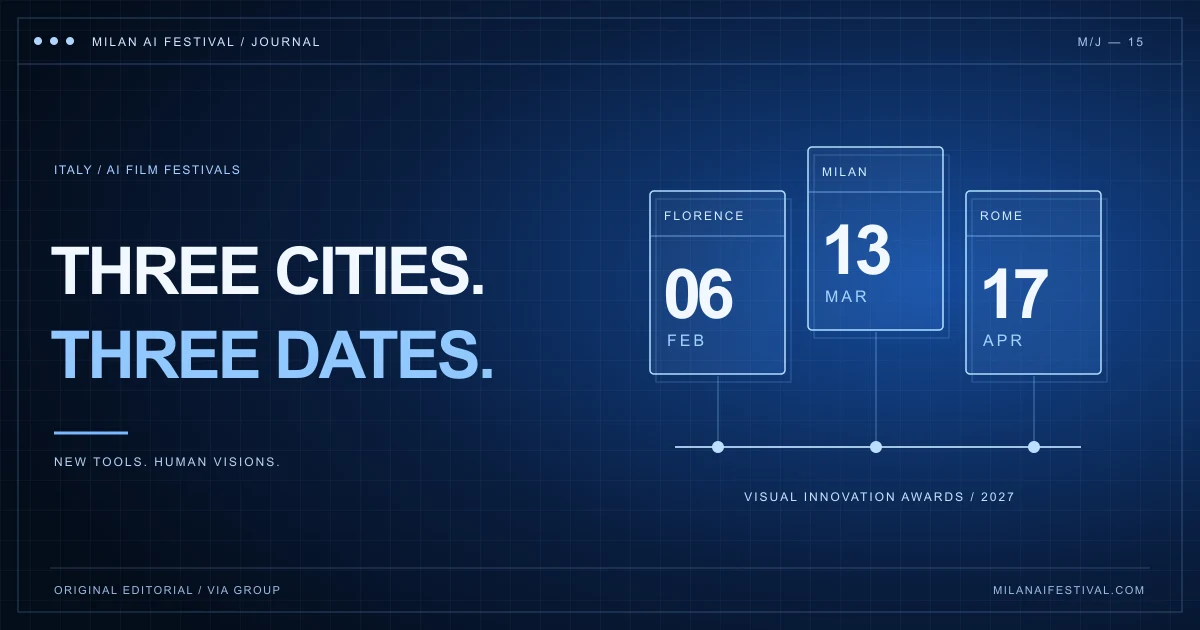
Milan AI Festival takes place on 13 March 2027 at Cinema Anteo, Milano. It is organised by VIA Group — Visual Innovation Awards, alongside the connected Rome AI Festival and Florence AI Festival. Follow each event’s own information for its programme and conditions. The Rome project described here does not announce a Milan screening, partnership or programme item.